
The Creative library is a powerful tool for managing your ads efficiently. It allows you to access all the Creatives you have used before.
The library has two primary functions:
-
Re-use Approved Creatives: You can add an already approved Creative to multiple Campaigns. This saves time as the Creative does not need to be approved again and can go live immediately on an active Campaign.
-
Copy Existing Creatives: You can create an exact copy of any Creative. This is useful for making slight modifications or for running A/B tests to see which version of your ad performs best.
Important: When you copy a Creative, the new copy is treated as a brand new Creative and must be sent to the Publisher for review and approval.
Add an approved Creative
When you add an already approved Creative to a Campaign, it will become active directly. If the Campaign is live, your ad will be shown to your audiences immediately.
To add an approved Creative from your library, follow these steps:
-
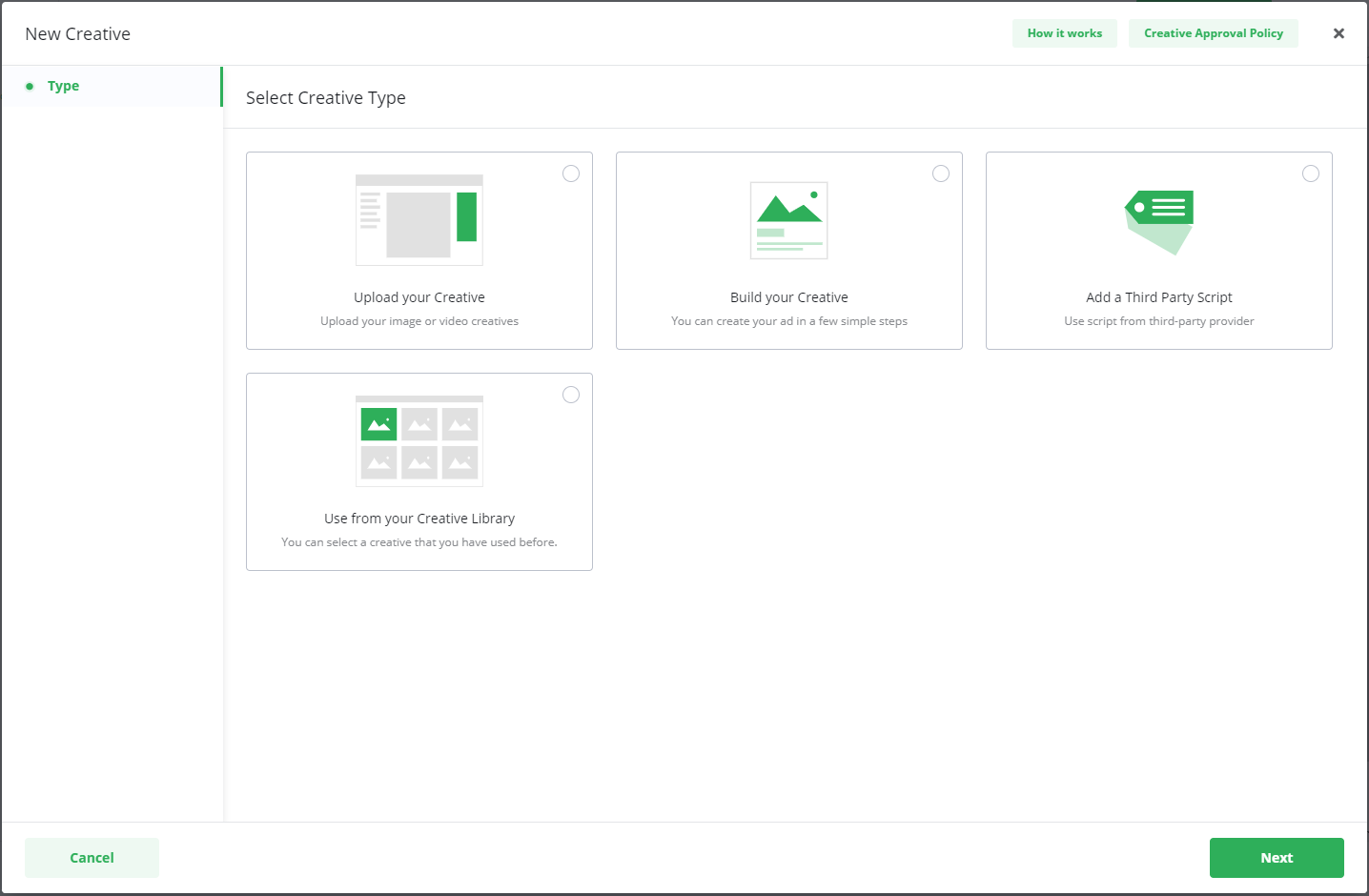
From your Campaign's Creative section, select New Creative.
-
Select Use from your Creative Library.
-
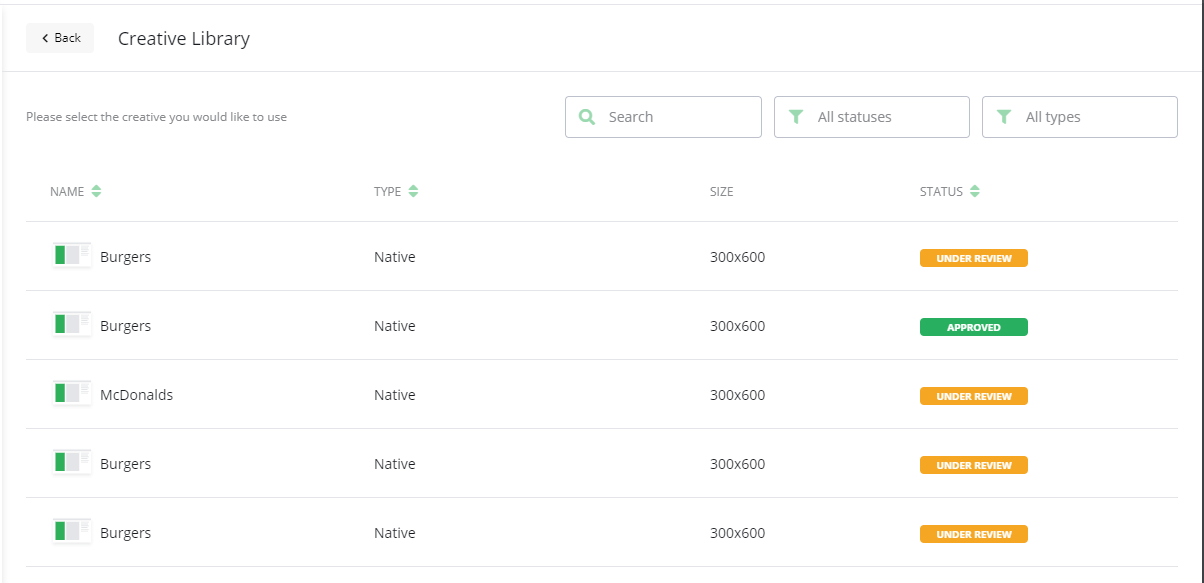
From the library, select a Creative that has the status Approved.
-
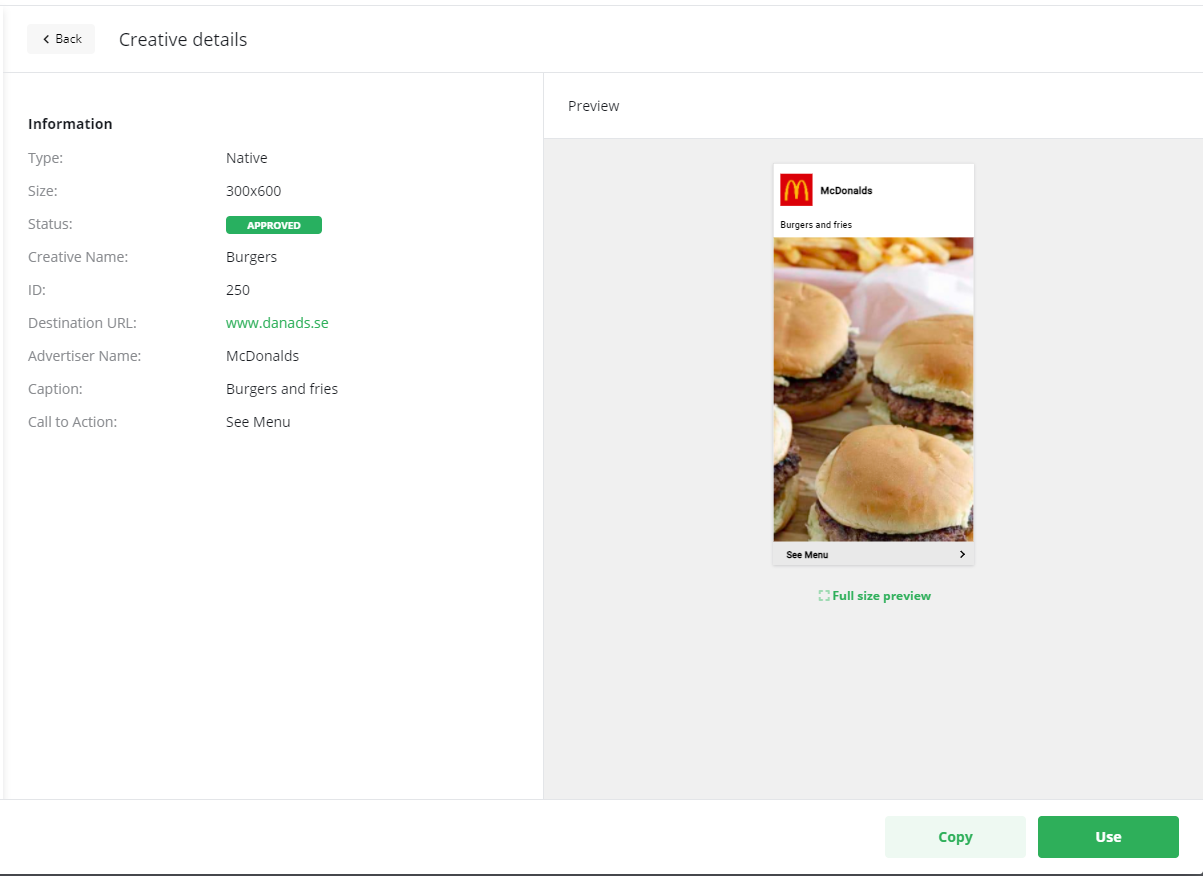
The Creative details will open for your review. Check the details and select Use.
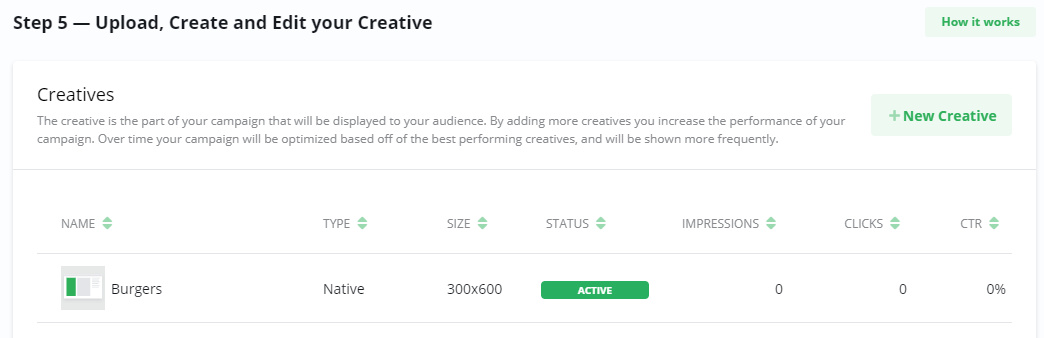
The Creative will now be added to your Campaign with the status Active. The same Creative is now active on multiple Campaigns.
Copy a Creative
-
From your Campaign's Creative section, select New Creative.
-
Select Use from your Creative Library.
-
Select any Creative you wish to copy.
-
In the Creative details view, choose Copy. An exact, editable copy of the Creative will open.
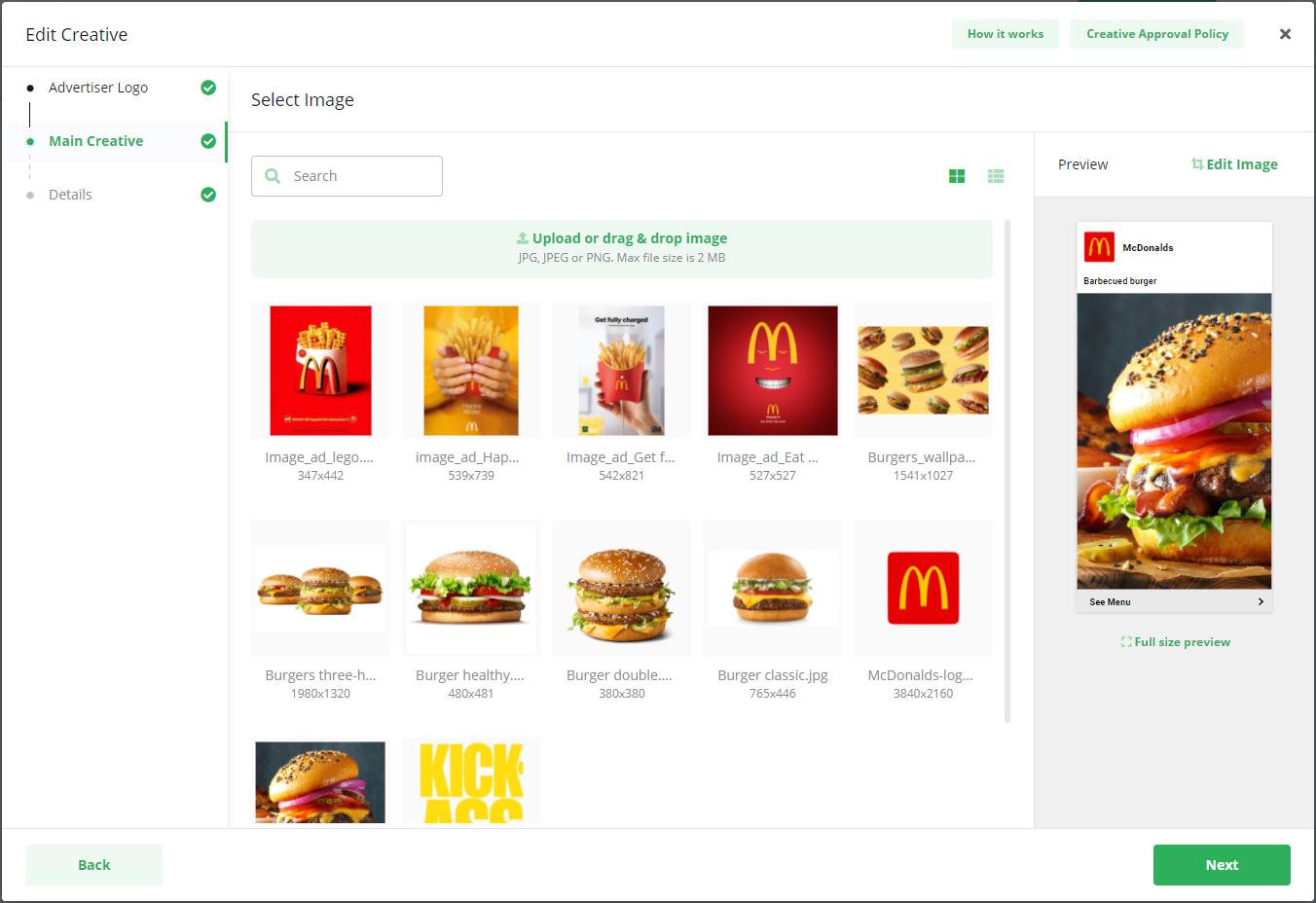
-
Make any changes you like to the copy.
-
On the Details page, make sure to give your new Creative a unique name so you can distinguish it from the original.
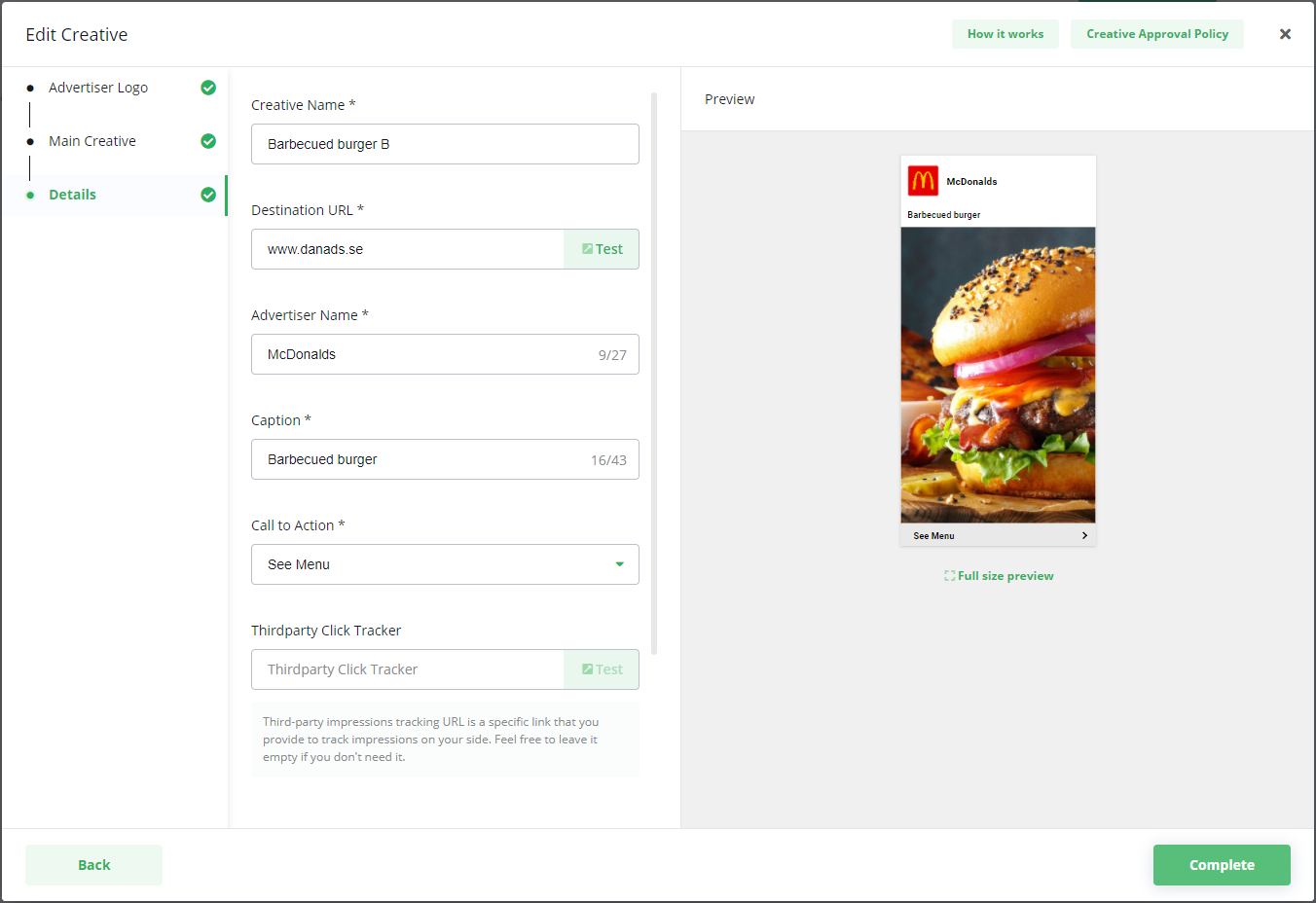
-
When you are done, select Complete.
The copied Creative will be added to your Campaign with the status Under review and will be sent to the Publisher for approval.
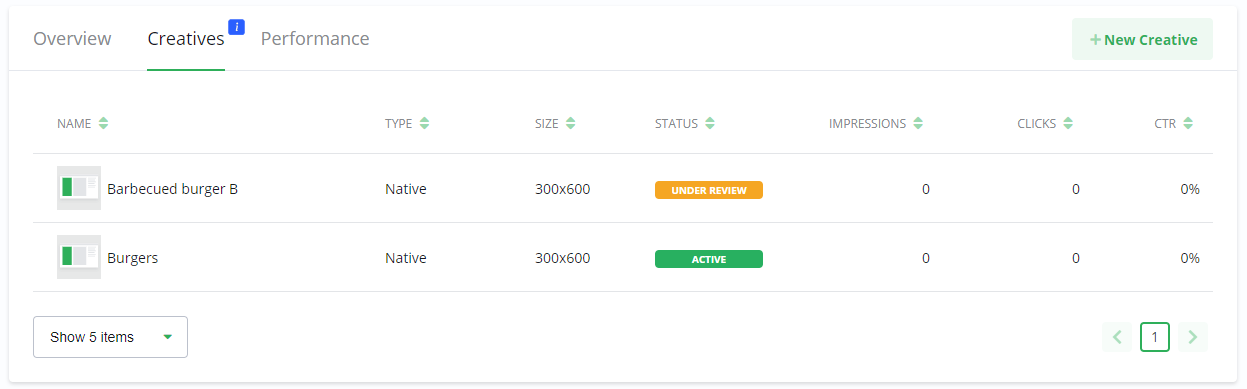
Frequently Asked Questions
Q: What are the two main things I can do with the Creative Library?
A: You can either re-use an already Approved Creative on a new Campaign without needing re-approval, or you can create a Copy of any existing Creative to edit and use as a new ad.
Q: What happens when I add an already Approved Creative to a new Campaign?
A: The Creative is added to the new Campaign with an Active status. If the Campaign is live, the ad will start running immediately without needing another approval.
Q: Does a copied Creative need to be approved again?
A: Yes. A copied Creative is always treated as a new Creative. It will be sent to the Publisher with a status of Under review and must be approved before it can go live.