
When you create or edit a Campaign, the targeting options available for that Campaign are grouped under the Targeting section.
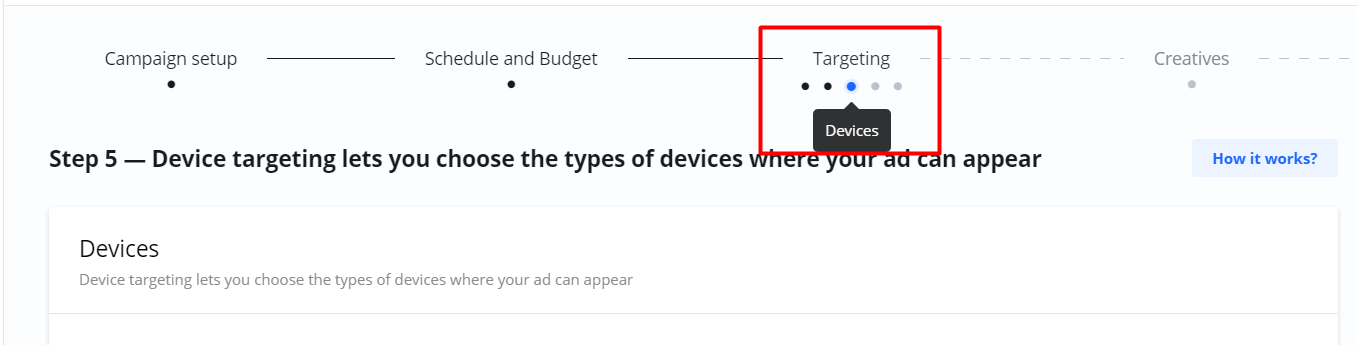
Depending on what type of Campaign you wish to create and what Product you have selected, different targeting options are available.
Frequently Asked Questions
Q: What is Targeting?
A: Targeting refers to the options that allow you to define the specific audience you want your Campaign to reach.
Q: Where do I find the targeting options for my Campaign?
A: The options are located in the Targeting section when you create or edit a Campaign.
Q: Why are the targeting options different for some of my Campaigns?
A: The available Targeting options depend on the Product that you selected for that specific Campaign.