
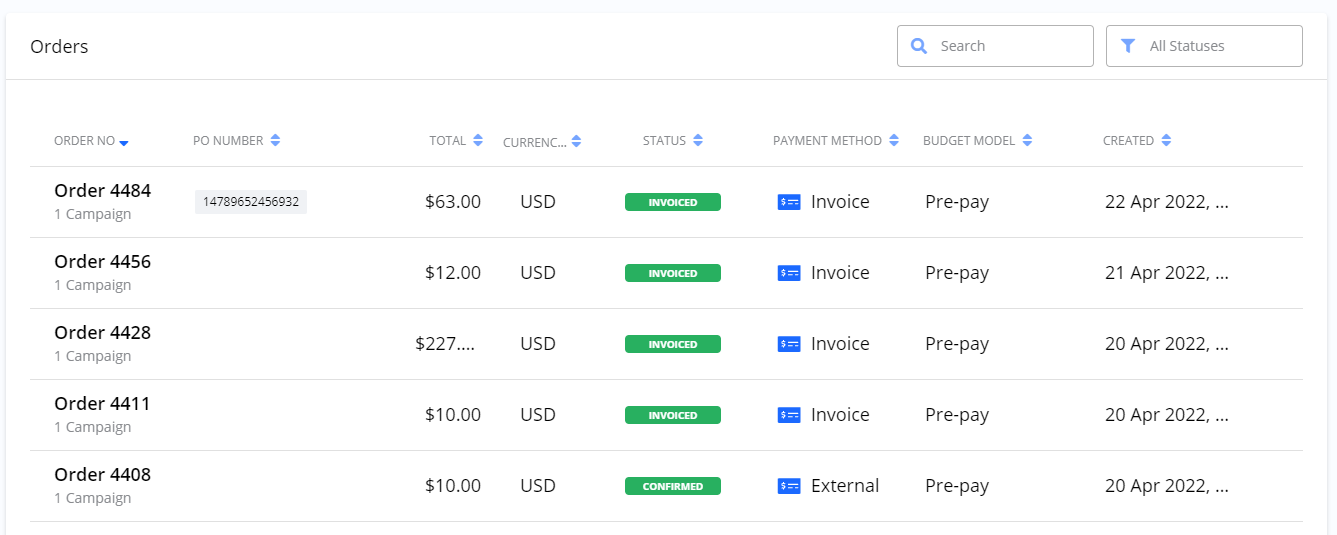
The Orders list contains a complete record of all your purchases.
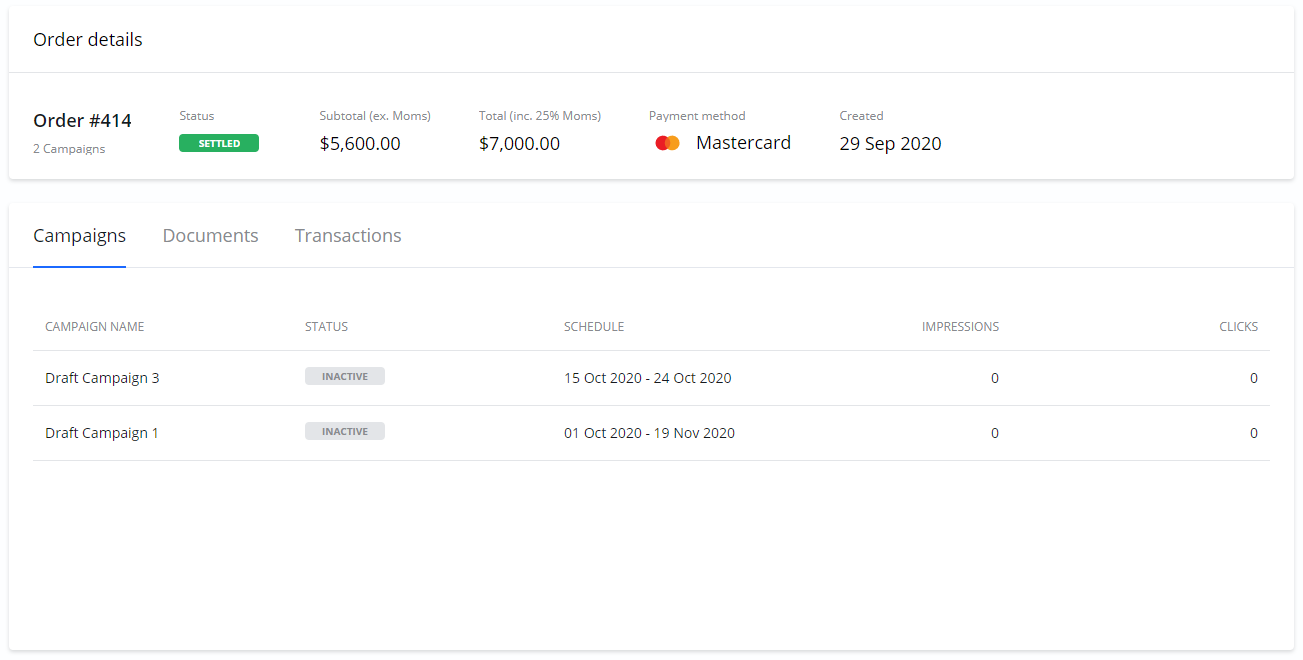
Order details
To see the specific details for a single purchase, click on any Order in the list to open the Order details page. This page contains information about the payment, related documents, and transaction history.
Documents
The Documents section contains important financial documents related to your Order.
|
Document |
Description |
|---|---|
|
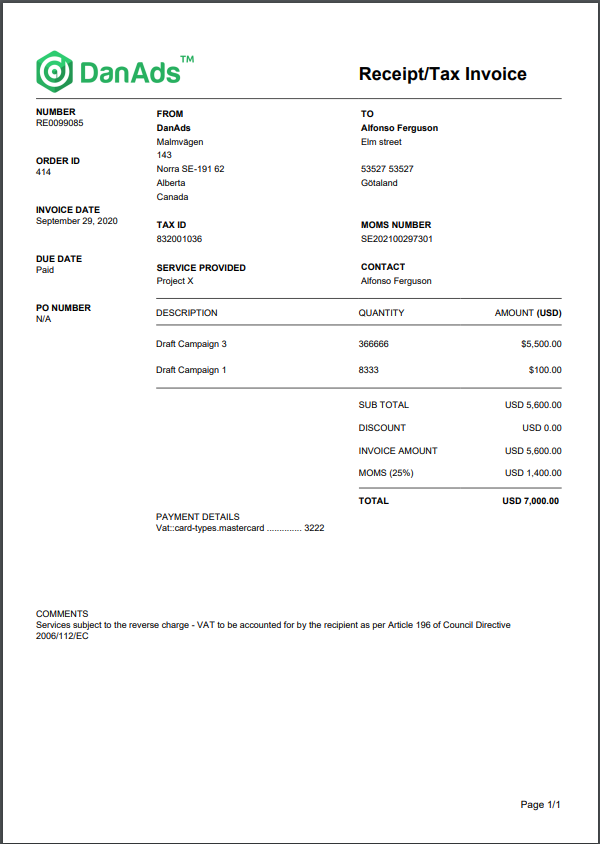
Tax Invoice/Receipt |
This document is generated for all Orders paid by Card. |
|
Credit Note |
If any of the Campaigns in the Order under-delivered, a Credit Note is generated here, showing the refunded amount. |
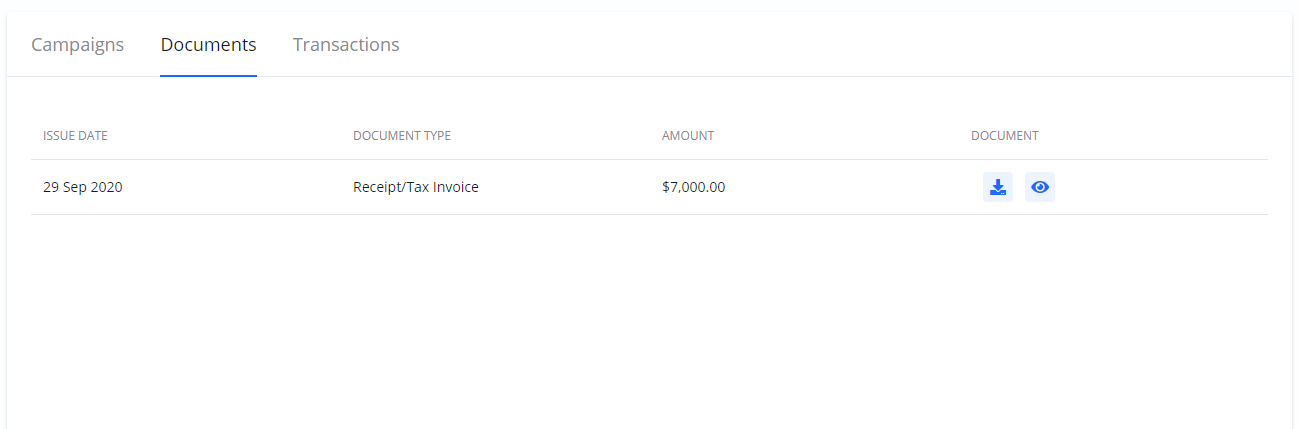
You can interact with these documents using two icons:
-
Download icon: Downloads the document as a PDF file to your computer.
-
View icon: Opens a preview of the document that you can also print.
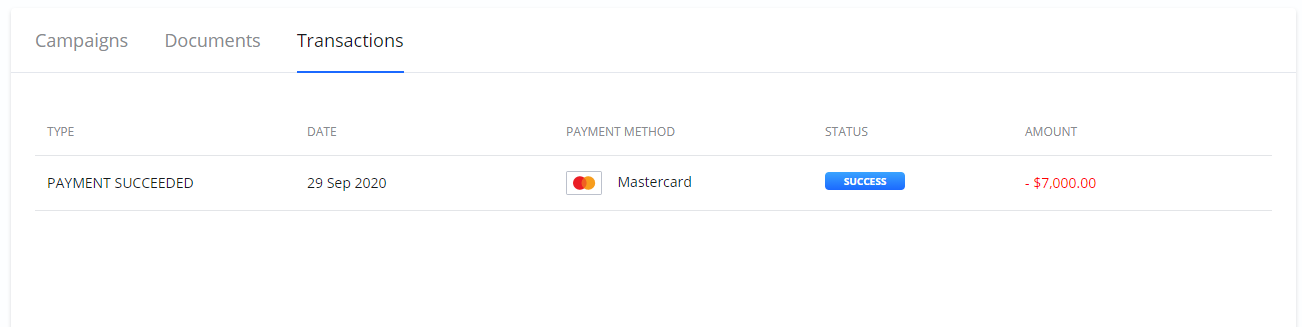
Transactions
Under the Transactions section, you can see all the individual payment transactions associated with an Order. If there was a refund for under-delivery, you will find the credited amount listed here.
Frequently Asked Questions
Q: Where can I find the invoice for my purchase?
A: For any Order paid by card, you can find your Tax Invoice/Receipt under the Documents section on the Order details page.
Q: What happens if my Campaign under-delivers?
A: If a Campaign under-delivers, a credit is issued. You will find the credited amount listed in the Transactions section, and a corresponding Credit Note will be available in the Documents section.
Q: How can I download my receipt?
A: On the Order details page, find the document you need in the Documents section and click the Download icon next to it.