
Here you will find detailed descriptions of the components and controls utilized in the Platform.
|
Component |
Description |
|---|---|
|
3 Dot Menu |
Users can conveniently access campaign-related functions such as Pay, Edit, Copy, and Delete via the menu. 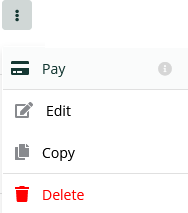
|
|
Accordion |
By toggling the up/down arrow, you can expand or retract the child elements of the component. 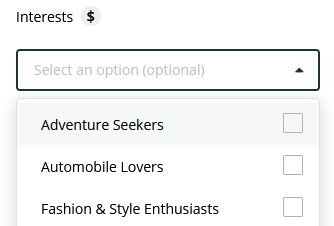
|
|
Checkbox/Multi-Selections |
Checkboxes and Multi-selections enable users to choose one or multiple items from a list. 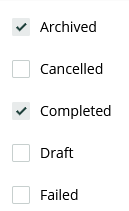
|
|
Filter |
The Multi-Select filters enable users to selectively filter items from a range of standard categories for display in a list. 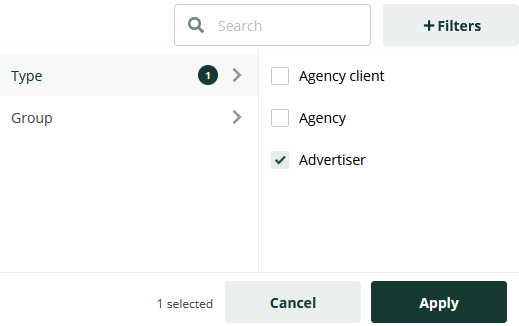
|
|
Toggle On/Off |
This component allows users to enable or disable selectable options. It is utilized for activating or deactivating specific functions, as well as allowing or restricting platform features. 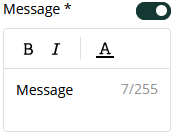
|